United States
Search:

Images for Press Release

-

Agilent Technologies Enhances OFDMA Capability for 802.16e Mobile

The following product photos are available for use by the media, based on the Agilent Photography Use Policy.

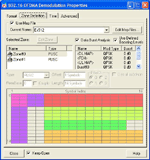
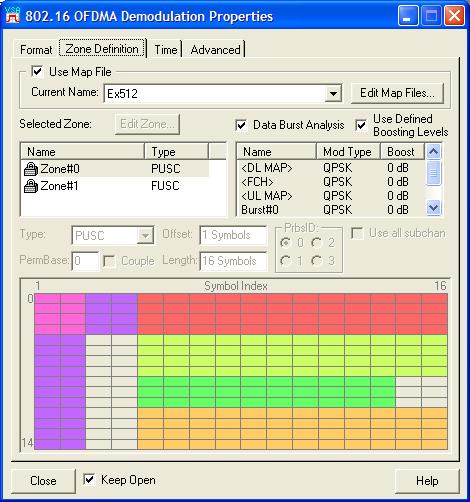
Agilent's enhanced 89601A Option B7Y IEEE-802.16 OF DMA analysis capability provides detailed analysis at the frame, zone and data burst levels

Image 1:
Agilent's enhanced 89601A Option B7Y IEEE-802.16 OFDMA analysis capability provides detailed analysis at the frame, zone and data burst levels.

Download JPEG (56KB)

Download TIF (290KB)

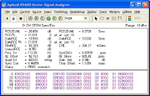
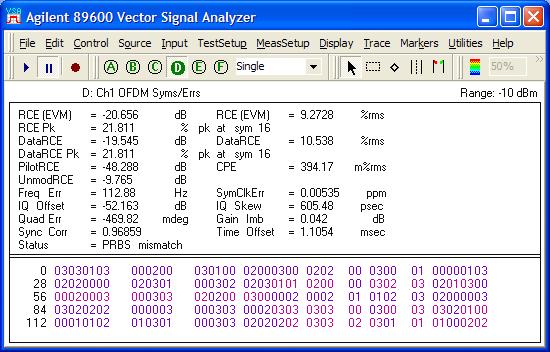
Along with comprehensive I/Q and EVM measurements, the 89600 Series Vector Signal Analysis software measures the actual zone PRBS seed values

Image 2:
Along with comprehensive I/Q and EVM measurements, the 89600 Series Vector Signal Analysis software measures the actual zone PRBS seed values.

Download JPEG (60KB)

Download TIF (250KB)

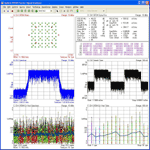
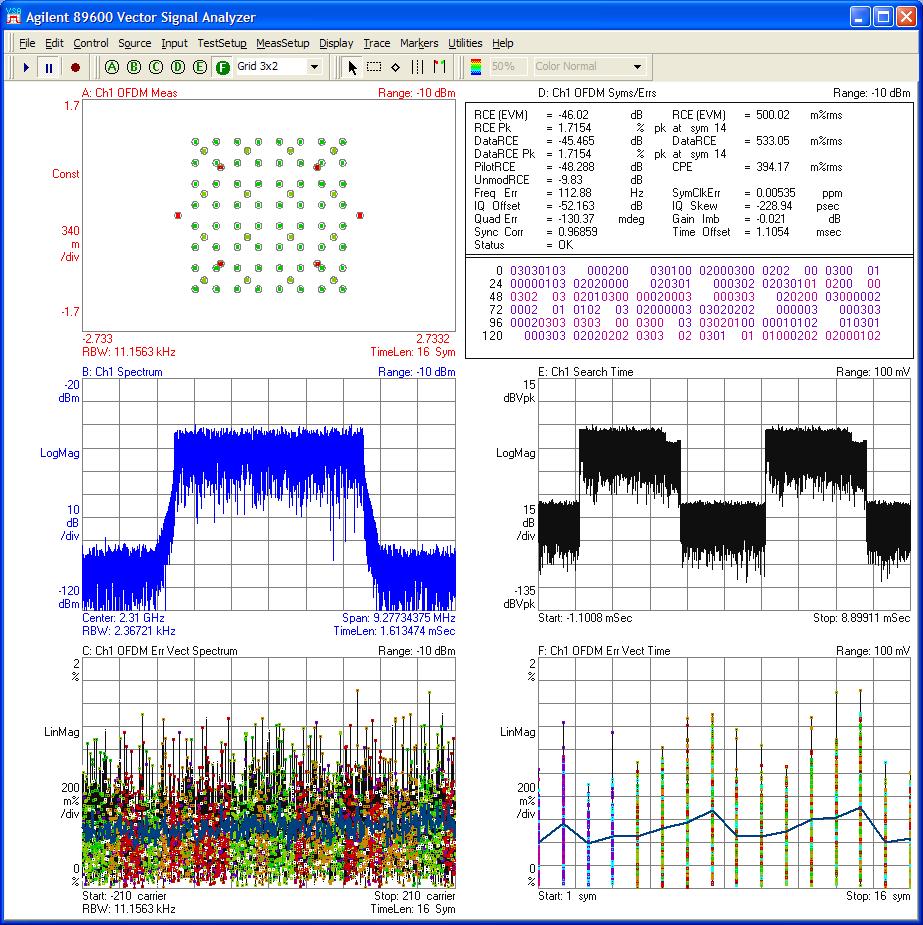
Agilent’s enhanced 89601A Option B7Y IEEE-802.16 OFDMA analysis now analyzes all FFT lengths, all signal bandwidths, up and down links, and all major zone types

Image 3:
Agilent’s enhanced 89601A Option B7Y IEEE-802.16 OFDMA analysis now analyzes all FFT lengths, all signal bandwidths, up and down links, and all major zone types.

Download JPEG (210KB)

Download TIF (1000KB)


Related Information
  Press Release:

Agilent Technologies Enhances OFDMA Capability for 802.16e Mobile
(2006-March-07)

  Agilent Photography Use Policy:

We will permit use of Agilent photography available via this site as long as the use will not disparage Agilent nor imply endorsement by Agilent. The photography cannot be changed or manipulated in any way with the exception of resizing or cropping. By downloading our product photography you are indicating that you accept these terms. Any commercial use of these images must be approved by Agilent Technologies.

ALL IMAGES MUST BE CREDITED TO AGILENT TECHNOLOGIES UNLESS OTHERWISE NOTED
© Agilent Technologies 2008 All Rights Reserved

  How do I download images:

To download files in Windows, use the right mouse button on the desired format (JPEG or TIFF) and choose 'Save Target As...'